The Packit System

Think of it like a digital map of all your belongings

Packit mirrors how your customers organize their physical spaces. Everything starts with Locations, suchs as homes, storage units, or offices. Within each location are Rooms or Areas, these include bedrooms, garages, or kitches. Inside each roon, Boxes store the items themselves.

This structure makes it easy for mulitple reason. First, it makes packing and organizing intuitive. Second, it makes unpacking (if that's your thing) more reliable. Finally, it allows your clients to make sense of your work. A happy client means more money and more referrals.

Step 1

Create Your Locations

Start by adding the name and address of the house, office, or storage unit you're organizing. This gives you a high-level overview of all of the jobs that you a managing in Packit.

  • Track your jobs on a per customer basis.
  • Generate reports and packing lists for a locations job.
  • Set a date for when the job is to take place.
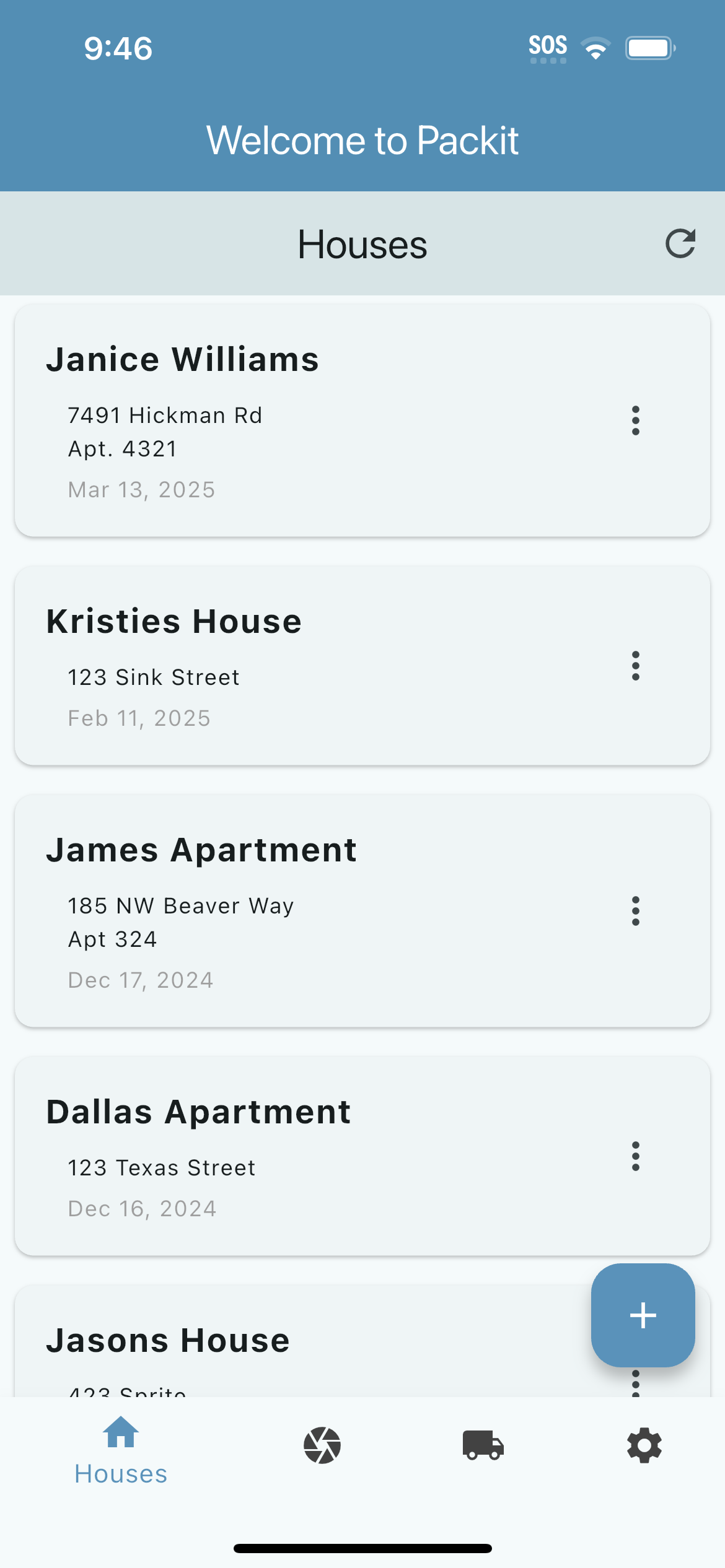
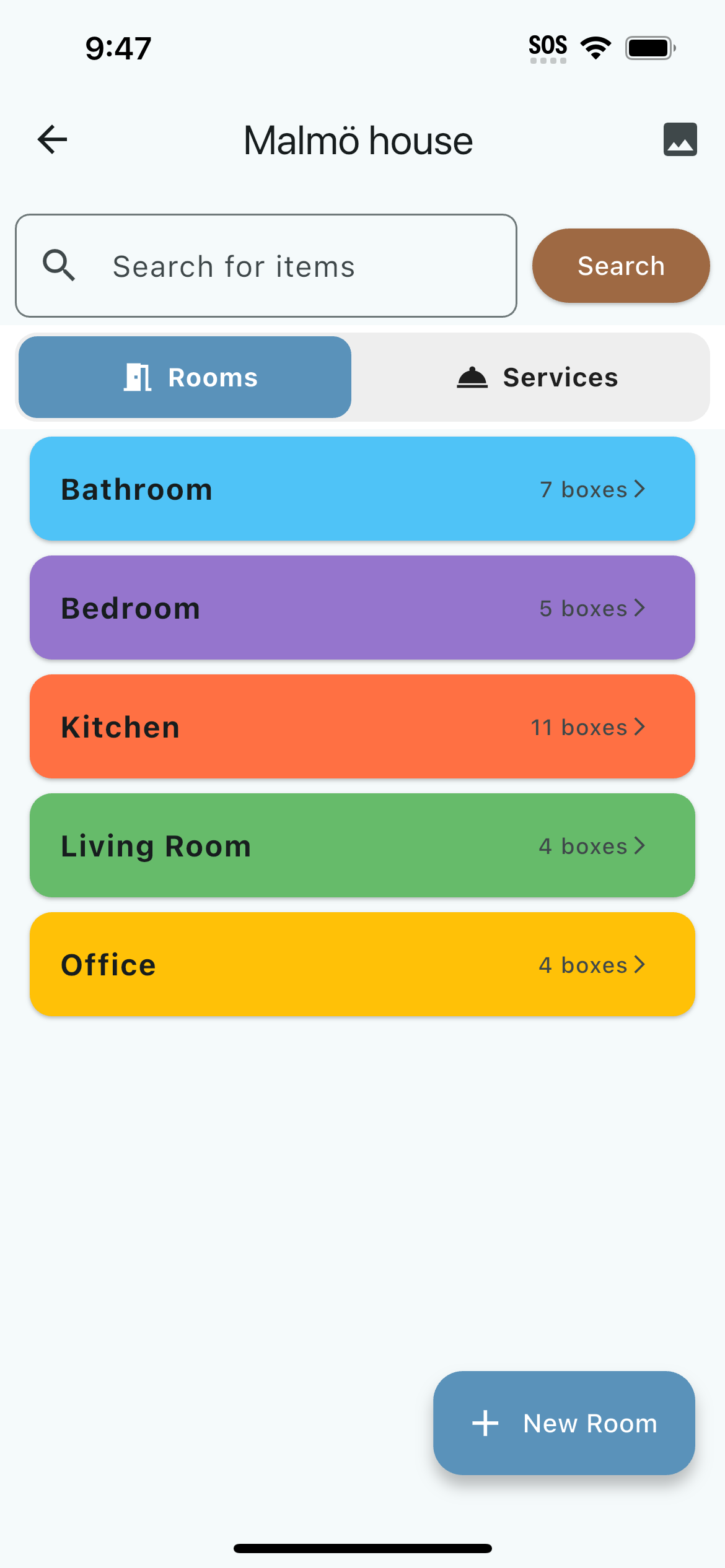
Location list view
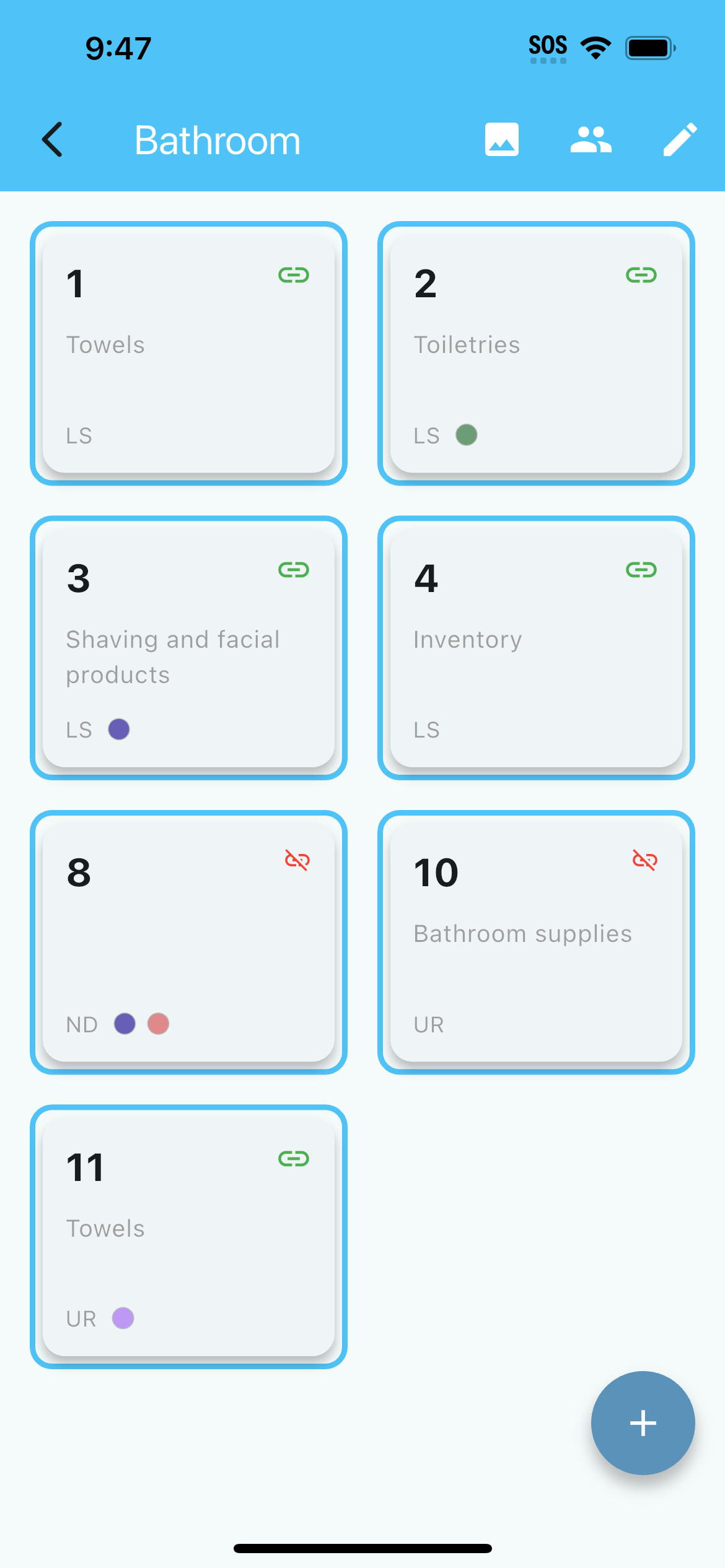
Rooms and areas view
Step 2

Add Rooms and Areas

Within each location, create rooms. This defines areas that you are packing.

  • You can save time by predefining commonly used rooms.
  • Add uncommon areas such as sunrooms, art studios, and workshops.
  • Take note of the room by taking a picture or video of the room before you pack it.
Step 3

Create Boxes & Link Labels

As you pack or organize, link your boxes to Packit's QR codes to allow easy access to your cusomers

  • Each box will have it's own unique QR Code.
  • Tag boxes to assign special handling instructions, like destinations of boxes and and fragile contents
  • Define your companies different types of boxes to access Inventory Management and Shipment Size Approximation functionality.
Box creation with QR code
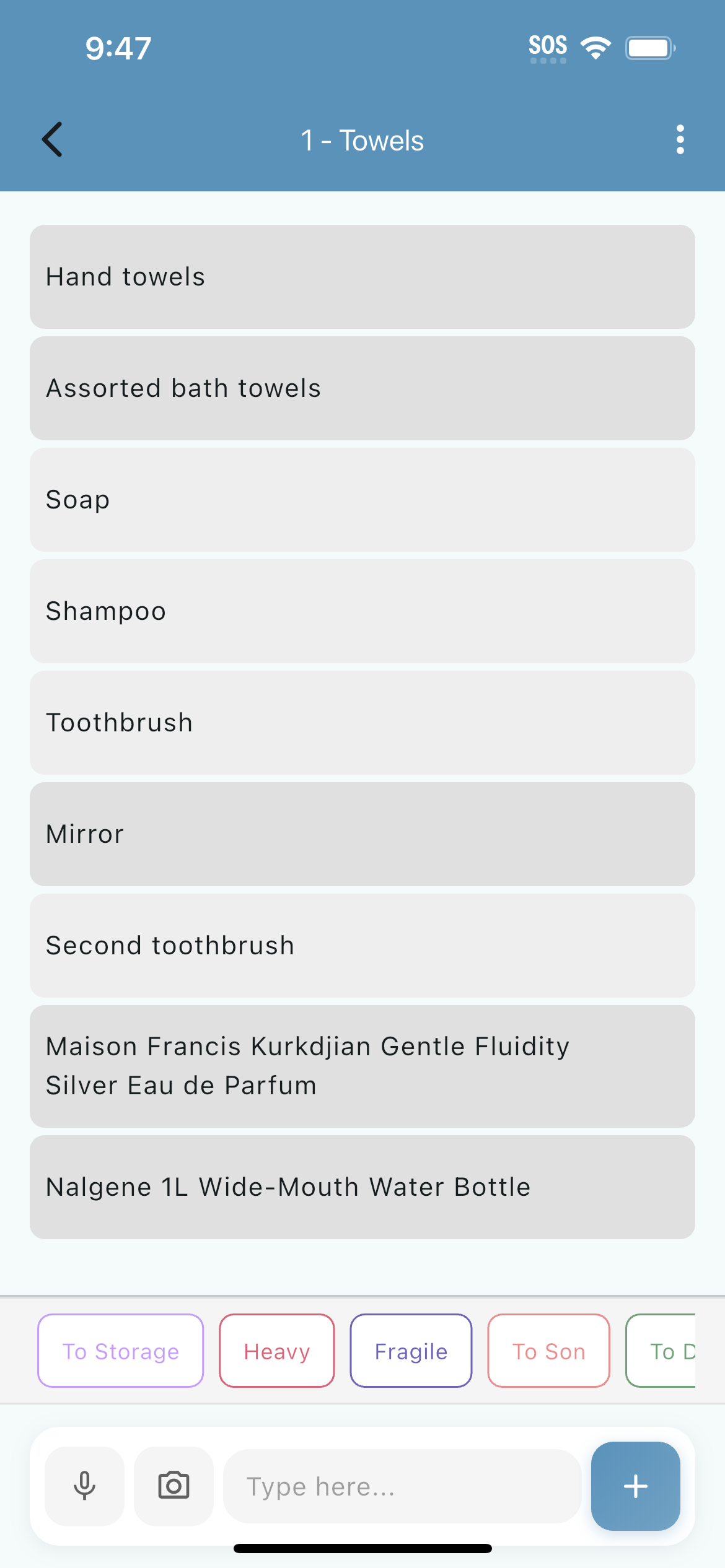
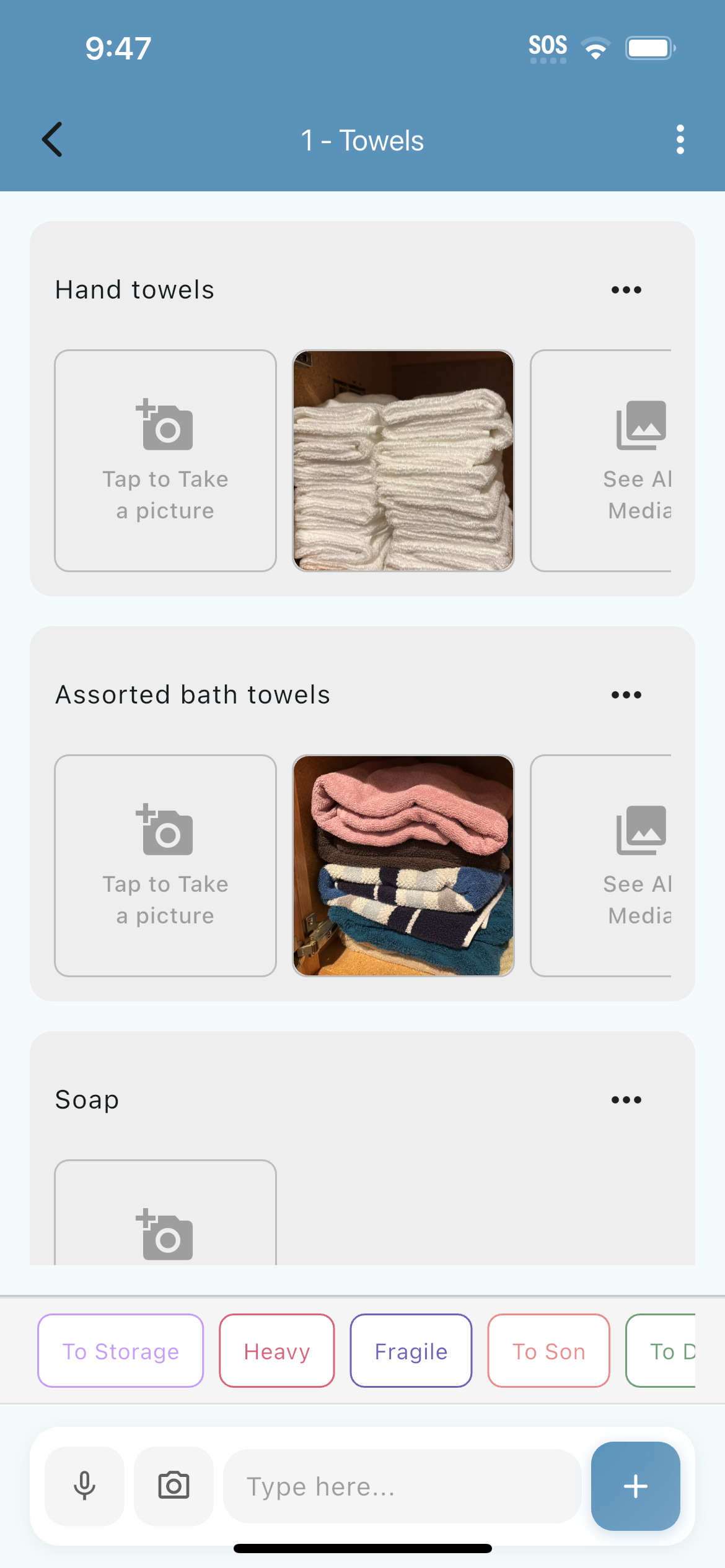
Item entry screenItems with photos
Step 4

Add Items to Boxes

Now the magic happens! As you pack each box, list what's inside. Be as detailed as you want.

  • Add items by typing, voice, and through image object detection.
  • Take photos for visual reference and insurance
  • Record damage via photo and video
  • Quick-add multiple items at once for fast packing

Instant Access with QR Codes

Every box gets a unique QR code. Print it, stick it on the box. Later, when you're looking at a stack of boxes, just scan the code—Packit instantly shows you what's inside. No digging, no guessing.

Print & Stick

Generate printable QR code labels directly from the app. Standard label sizes supported.

Fast Scanning

Built-in QR scanner works instantly, even in low light. See box contents in under 2 seconds.